
Table of Contents
Mastering IPTV Smarters Pro FireStick Setup in 2026
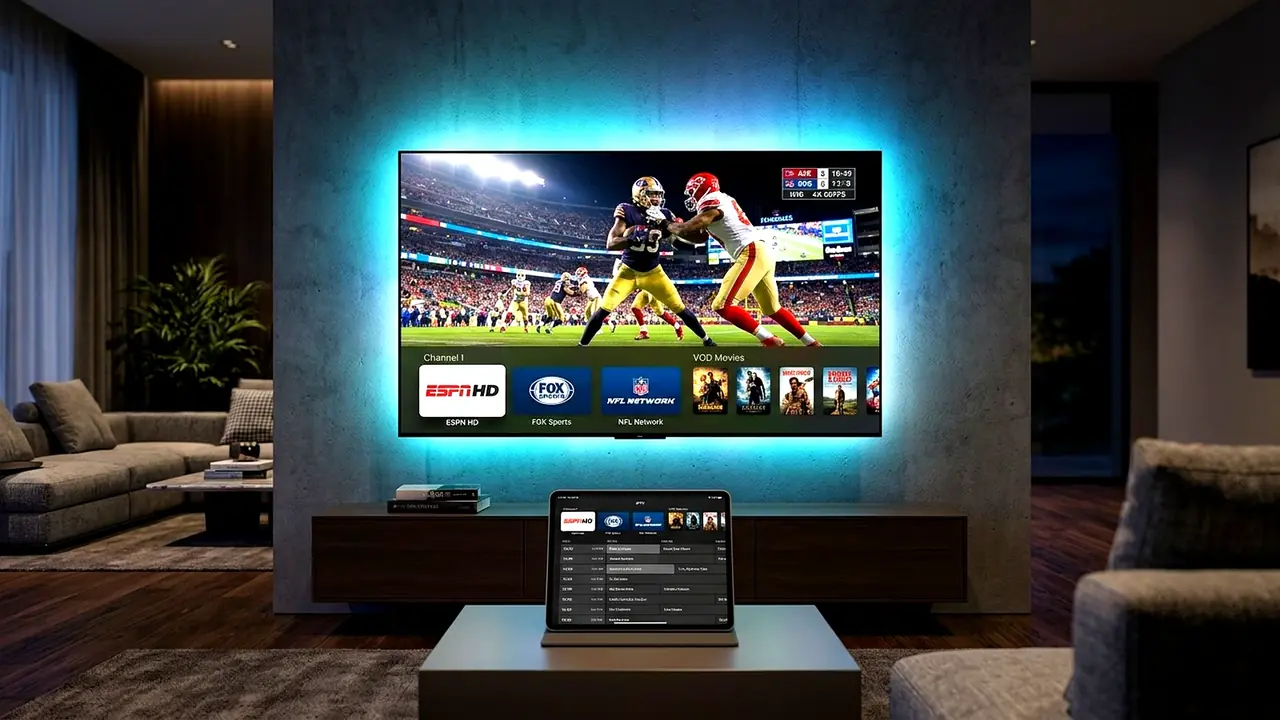
Completing an iptv smarters pro firestick setup is the fastest and most reliable way for American cord-cutters to stream 25,000+ live 4K television channels and 130,000+ on-demand movies without paying $165/month for traditional cable boxes. Whether you own the latest Amazon Fire TV Stick 4K Max, Fire TV Cube, or an Android TV box, IPTV Smarters Pro delivers a modern, family-friendly interface with separate hubs for Live TV, Movies, Series, and Multi-Screen viewing.
When you perform a proper iptv smarters pro firestick setup and pair the player with a top-rated IPTV USA subscription from XIPTV PRO, your device connects directly to 5 Tier-4 US Data Centers in New York, Chicago, Dallas, Miami, and Los Angeles. This eliminates buffering during peak NFL Sundays, NBA Playoffs, and UFC Pay-Per-View main events.
In this comprehensive 2026 tutorial, our engineering team walks you through every single step – from enabling developer options on Fire OS to configuring hardware decoding for ultra-smooth 60FPS sports playback.
Step-by-Step IPTV Smarters Pro FireStick Setup via Downloader
Because IPTV Smarters Pro is sideloaded onto Amazon Fire TV devices, follow this exact iptv smarters pro firestick setup checklist using the official Downloader utility:
- Install the Downloader App: From your FireStick home screen, navigate to the magnifying glass (Search) icon, type Downloader, and install the free orange application from the Amazon Appstore.
- Unlock Fire TV Developer Options: Open Settings > My Fire TV > About. Highlight your Fire TV Stick device name and press the middle Select button on your remote 7 times rapidly until you see the message: No need, you are already a developer.
- Enable Unknown Apps for Downloader: Press the Back button once, open Developer Options > Install Unknown Apps, and switch Downloader to ON.
- Download & Install IPTV Smarters Pro: Launch Downloader, enter the official Smarters APK URL in the address bar, and click Go. Once the package downloads, select Install and then click Done.
Connecting Your Xtream Codes API Credentials
The most important part of your iptv smarters pro firestick setup is selecting the right login method. When you open IPTV Smarters Pro for the first time, select TV as your device layout and click Login with Xtream Codes API rather than loading a raw M3U file:
- Profile Name: Type
XIPTV PRO 4Kso your household can easily identify the playlist. - Username & Password: Enter the exact case-sensitive login credentials delivered to your email within 2 minutes of activating your 1 Year USA IPTV Premium Pass.
- Portal Server URL: Input the dedicated Anti-Freeze 10.0 server URL provided in your welcome email (including
http://and port number).
Click Add User. Within 25 seconds, IPTV Smarters Pro will synchronize all 25,000+ live channels, regional US sports networks, 130,000+ movies, and your complete Electronic Program Guide (EPG).
Best 4K 60FPS Playback Settings for US Viewers
After finishing your initial iptv smarters pro firestick setup, adjusting three internal settings inside the app ensures zero frame drops on 4K UHD televisions:
| Smarters Setting | Recommended Value | Why It Matters for 4K Streaming |
|---|---|---|
| Stream Format | MPEGTS (.ts) | Faster live channel switching and superior live sports stability |
| Player Selection | Built-in Hardware (HW+) Decoder | Uses FireStick GPU hardware acceleration for 4K 60FPS feeds |
| Buffer Size Limit | Medium (30–40 MB) | Eliminates micro-stutters on home Wi-Fi connections |
| Auto-Update EPG | Enabled Every 24 Hours | Keeps US Eastern & Pacific TV schedules accurate |
If you also want to test a traditional cable-style guide on your FireStick, compare this player with our step-by-step how to setup IPTV on TiviMate tutorial.
Pro Tip for Multi-Screen Viewing: One standout feature included after your iptv smarters pro firestick setup is the built-in 4-screen Multi-View player. During college football Saturdays or NFL Sundays, you can open up to four live channels simultaneously on a single television screen and switch the active audio track with one click of your Fire TV remote. Combined with automatic 7-day Catch-Up TV replay and parental PIN locks, Smarters remains a favorite across thousands of American living rooms.
Conclusion
Completing an iptv smarters pro firestick setup takes under three minutes and transforms any television into a complete home entertainment hub. Pair your FireStick today with XIPTV PRO USA IPTV plans starting at $11.99/month, backed by instant automated activation and our 7-day money-back guarantee.